Free Font Managers for Windows in 2026: Which One Actually Fits How You Work
For most designers on Windows, the answer is FontBase: free, fast, and it auto-activates missing fonts in Photoshop, Illustrator, and InDesign. If you want something lighter that never touches your system fonts, NexusFont is free, portable, and good at side-by-side comparison. If you mainly need to preview fonts next to the rest of a project's assets rather than manage installation, a library app like Refchi (free) shows a glyph sample for every font file in your collection. Windows 11's built-in Fonts settings are fine for installing and removing but useless for browsing a large collection.
The font-manager category on Windows is oddly stuck in time. Half the lists you will find still recommend tools that were last updated in 2014. So instead of listing fifteen programs, this covers the four that are worth installing in 2026, one built-in option, and the workflow question that decides which you want.
Disclosure: one of the entries, Refchi, is my own app. It is not a traditional font manager and I explain exactly where it fits and where it doesn't.
Font managers do two different jobs
It helps to be clear about this before comparing anything. A font manager might mean:
- Activation management. Keeping 3,000 fonts on disk without installing all 3,000 into Windows, and switching sets on and off per project so Photoshop's font menu is not a scroll of doom.
- Browsing and choosing. Typing a sample phrase, seeing it in 40 candidate typefaces at once, narrowing down, and finding the file again later.
FontBase and MainType do both. NexusFont does both but is stronger at the second. The Windows built-in does neither well. Refchi only does the second, but does it inside the same library as your images and references, which is a different way of working entirely.
At a glance
| Tool | Price | Activation | Preview / compare | Notes |
|---|---|---|---|---|
| FontBase | Free; Awesome tier $3/mo or $180 lifetime | Yes, incl. auto-activation in Adobe apps | Strong | Also on Mac and Linux |
| NexusFont | Free | Yes (use without installing) | Strong side-by-side | Portable, Windows only, lightweight |
| MainType | Free edition with limits; paid tiers | Yes | Good | Windows only, oriented at large professional collections |
| Windows Fonts settings | Built in | Install / uninstall only | Weak | Fine for a dozen fonts, not a collection |
| Refchi | Free | No | Glyph sample per font, in a mixed library | Windows only; a library, not a manager |
FontBase: the default recommendation
FontBase is what most people should install and stop thinking about. Point it at your font folders, and it shows every family with a live sample you can retype. Activating a font is a click; it becomes available to other apps without going through Windows' install dialog, and deactivating it removes it again. The feature that quietly earns its keep: when you open a Photoshop, Illustrator, or InDesign document that uses a font you own but haven't activated, FontBase activates it for you.
The core app is free. The paid "Awesome" tier ($3 a month, or $180 lifetime) adds things like Google Fonts syncing, more OpenType feature controls, and folder collections. Almost nobody needs it on day one. It also runs on macOS and Linux, which matters if you switch machines.
What I don't love: it is an Electron app and it is not shy about memory, and on a folder of 1,400 fonts the first scan took a couple of minutes on my machine. After that it is fine.
NexusFont: light, portable, and still good
NexusFont, from the small Korean developer xiles, has been around forever and it shows in the interface, but the fundamentals are excellent. It is free, it runs as a portable exe without installing, and it lets you use fonts in other applications while NexusFont is open without installing them into Windows. Its side-by-side comparison view is the best of the free tools for actually choosing between candidates: one sample sentence, thirty fonts stacked, scroll.
It also finds duplicate fonts even when the filenames differ, and groups fonts into collections. Updates are rare. If FontBase feels heavy to you, this is the answer.
MainType: for people with a serious collection
MainType, from High-Logic, is the professional Windows font manager. It handles very large collections, has proper tag and category systems, previews well, and has a free edition with limits on collection size alongside paid Standard and Professional tiers. It is the tool for a studio or a type-obsessed designer with many thousands of fonts. For everyone else it is more than you need, and the paid tiers only make sense once the free edition's limits actually bite.
The built-in option: Settings, Personalization, Fonts
Windows 10 and 11 have a Fonts page in Settings where you can drag and drop font files to install them, preview a sample, and uninstall. It is perfectly good for that. It is not a manager: there is no way to keep fonts on disk without installing them, no collections, no comparison view, and the preview is one line. If you own thirty fonts, use it. If you own three hundred, you will install all three hundred, your font menus will get long, and you will go looking for one of the tools above.
Refchi: not a font manager, but maybe what you wanted
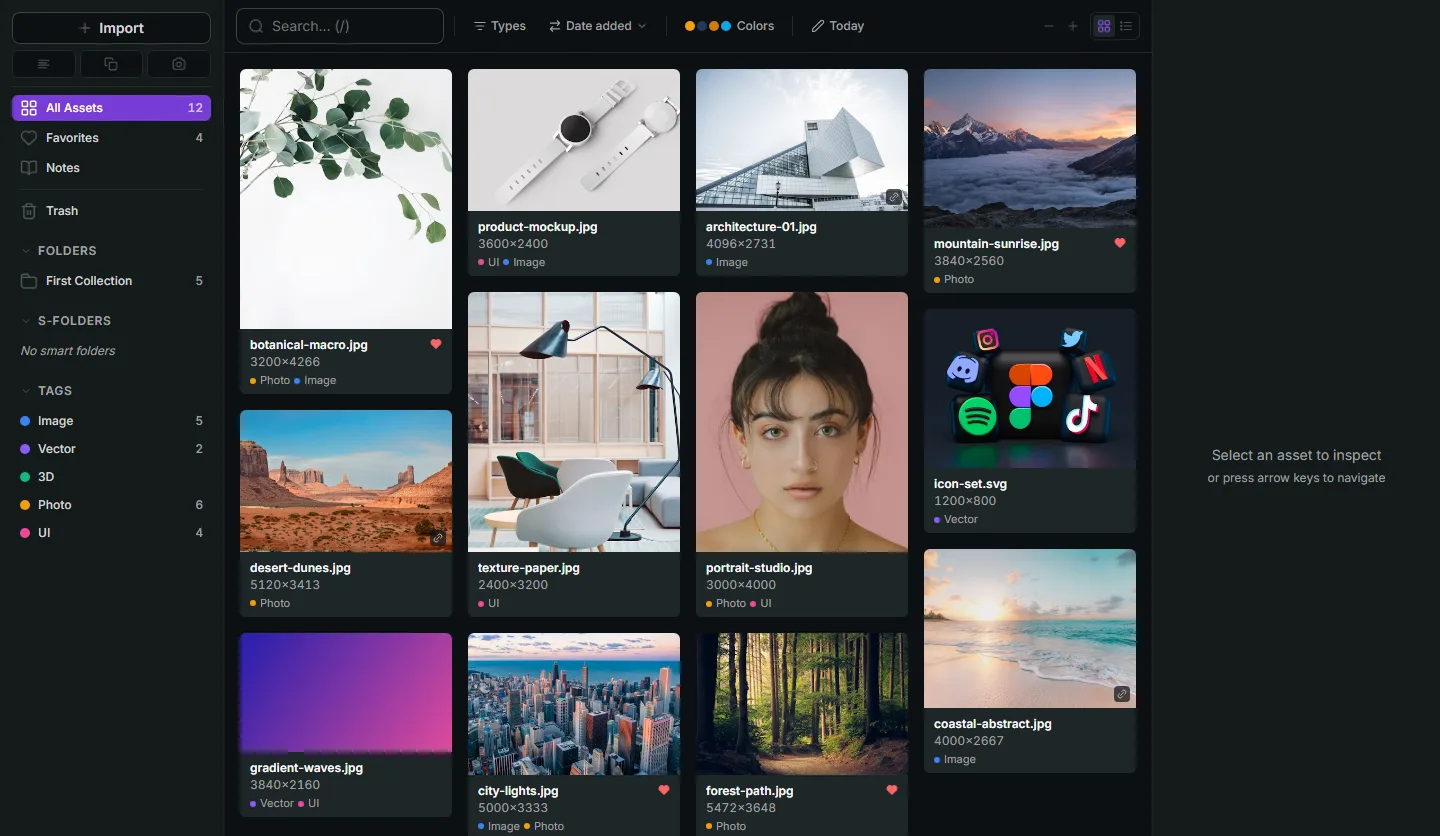
Here is the workflow that led me to include it. A lot of designers don't manage fonts so much as collect them, the same way they collect references, textures, and screenshots: a font from a foundry newsletter, a free display face from a bundle, the client's brand typeface. Those files end up in Downloads next to everything else. Refchi is a library for exactly that kind of everything-pile. Drop in font files (TTF, OTF, WOFF) and it renders a glyph sample for each one right in the grid, next to the mood board images and the brand PDF, and you can tag them ("client-x", "display", "free-commercial") and search them alongside the rest of the project.
The full-screen preview shows a proper sample of the face. What it does not do is activate the font in other apps; when you decide to use one, you install it through Windows or FontBase like you would anyway. So the honest position: Refchi is for the choose-and-keep-track part, and FontBase or NexusFont is for the activation part. Many people only need the first. It is free, Windows only, and local, with no account.
Which one to install
- You use Adobe apps and want fonts to just work: FontBase.
- You want the lightest possible tool and a great comparison view: NexusFont.
- You have many thousands of fonts and manage them professionally: MainType.
- You have a few dozen fonts: the built-in Fonts settings are enough.
- You collect fonts alongside references and want to find and preview them in one library: Refchi, plus one of the above for activation.
A closing note on the thing no tool fixes: naming. Font files arrive with names like NHaasGroteskDSPro-55Rg.otf and font (3).ttf. Every tool above reads the internal family name, so you can leave the files alone, but the folder they live in should still be one folder, not eleven. More on that in the organizing guide.
Frequently asked questions
- What is the best free font manager for Windows 11?
- FontBase is the best all-round free font manager for Windows 11: fast browsing, activation without installing, and automatic activation of missing fonts in Adobe apps. NexusFont is the best lightweight, portable option.
- Can I use fonts on Windows without installing them?
- Yes. FontBase and NexusFont both let you activate fonts temporarily so other applications can use them while the manager is running, without installing them into Windows. Windows' built-in Fonts settings only support full installation.
- Does Windows 11 have a built-in font manager?
- Windows 11 has a Fonts page in Settings (Settings > Personalization > Fonts) for installing, previewing, and uninstalling fonts. It does not offer collections, activation sets, or side-by-side comparison, so it is not a manager in the usual sense.
- Is NexusFont still safe to download and use?
- NexusFont is still distributed by its developer, xiles, and remains free. It is a portable Windows application; download it from the developer's site rather than third-party mirrors.
- Can Refchi replace a font manager?
- Only partly. Refchi previews and organizes font files inside a larger library of references and assets, with tags and search, but it does not activate or install fonts. Use it together with FontBase or NexusFont if you need activation.
Keep reading
- How to Organize Design References: A System That Still Works at 10,000 FilesFolders fail around file 2,000. Tags fail when you stop tagging. Here is a system for design references built on capture habits, a small set of rules, and search that does the remembering for you.
- Adobe Bridge Alternatives: What to Use Instead, Sorted by Workflow (2026)Bridge is free but slow, needs an Adobe ID, and is really a photo tool. The right replacement depends on whether you cull photos, browse design assets, or tag everything.
- Eagle App Alternatives: Free and Paid Options for Designers, Compared by Someone Who Built OneEagle is $29.95 once and very good. The reasons to look elsewhere are specific: you want free, you want search that reads your images, or you want a floating board. Here is what fits each.